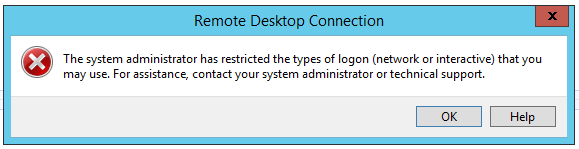
A client was trying to reach a Windows 10 Enterprise workstation over RDP from a laptop and hit this:
“The system administrator has restricted the types of logon (network or interactive) that you may use. For assistance, contact your system administrator or technical support.”
What I checked first
- Remote access was enabled.
- The account used for the connection was local and a member of the local Administrators group.
- NLA and the firewall were both switched off, purely to rule them out.
All of that was fine, which meant the problem was somewhere less obvious.
The actual cause
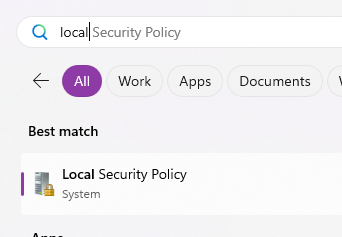
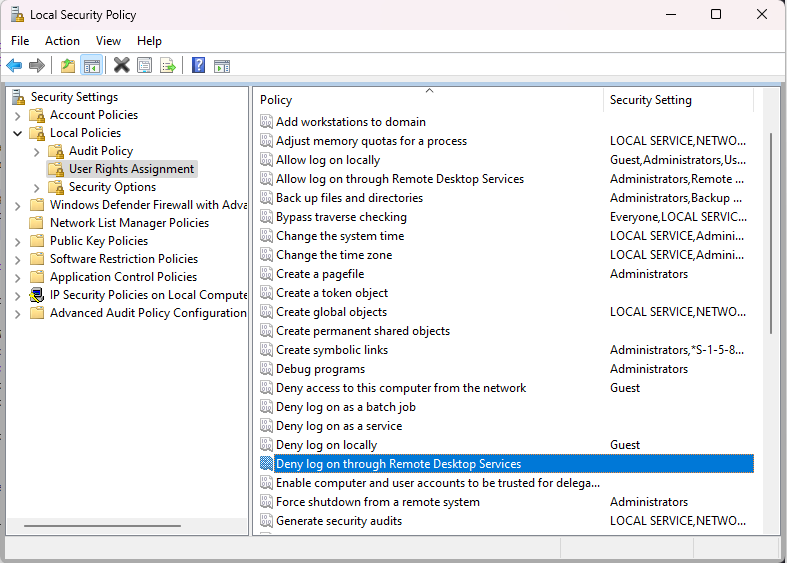
I opened Local Security Policy (secpol.msc, or search “local security policy” from the Start menu) to confirm the Administrators group was listed under “Allow log on through Remote Desktop Services.” It was. While I was in there, though, I noticed “Deny log on through Remote Desktop Services” had an entry for Local account.
Open Local Security Policy:
Find “Deny log on through Remote Desktop Services”:
Remove “Local account”:
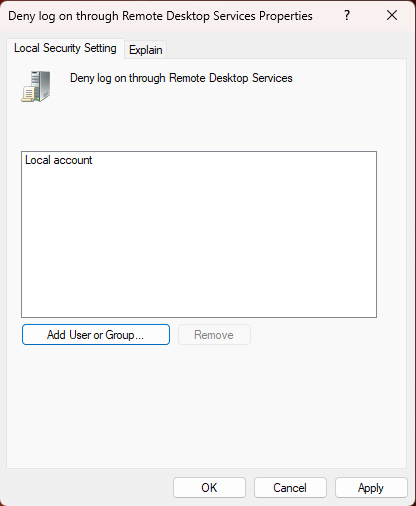
That was it. Problem solved.
This policy appears to be a default on Enterprise editions, on the assumption that the machine is domain-joined and RDP access should come through domain accounts rather than local ones. This particular workstation was standalone, so the default was actively working against the client rather than protecting anything.
Worth noting: “Deny access to this computer from the network” had the same Local account entry, and will bite you the same way if you’re troubleshooting network logons rather than RDP specifically.